Decreasing
Apparent Depth of Field using Post Processing
Back to Macro
Photography
Chromatic
Aberrations and the Aquarium Glass Prism Effect
Computer/Camera
Connections
Most
cameras allow you to download your photographs to your computer
by connecting the two using a USB or FireWire cable. A few cameras
allow you to just place the camera in a docking station or cradle
which recharges the battery and connects to the computer; others
require that you plug various cables into the camera to achieve
these ends. The docking station, or cradle, is much more convenient
than all of those cables.
Battery
Time Display
Look
for a camera that provides a continuous display indicating how
much battery time remains. Without this feature, your camera
will suddenly roll over and die when the battery is depleted.
An on screen battery indicator will prevent a lot of frustration.
Batteries
Some
cameras use batteries that are specific to the camera, or to
the manufacturer (like Sony’s InfoLithium). Custom batteries
allow the camera to have special features (like Sony’s
battery time display, which relies on the InfoLithium batteries
to compute the time). Custom batteries can also be manufactured
in custom shapes, which can help the camera be as compact as
possible.
Other
cameras let you use standard AA or AAA batteries. Use of standard
batteries ensures that you are never out of battery power for
long, since you can purchase batteries at any convenience store.
Cameras that allow you to use standard batteries also allow
you to use rechargeable batteries (NiCad or NiMh) and to have
a spare set with you. Buying a spare non-standard battery is
often much more expensive.
Powering
the Camera using AC
Most
cameras will function for an hour or two on a fully charged
battery, which is more than enough time to take lots of tank
photos. Some cameras allow you to connect the camera to AC power,
which eliminates any time limit imposed by the battery (with
the extra awkwardness of a trailing cable). This feature can
be useful if you are using the camera to give a photo show (when
connected to a TV, for example). It is also convenient to have
the battery charged while still in the camera, rather than having
to remove and then re-insert the battery every few days.
Zoom
Range
Most
cameras allow you to “zoom” in on your subject,
with zoom ranges varying between 2:1 and 28:1. Be cautious when
reading about zoom ranges, since most manufacturers brag about
the “digital zoom” rating, not the “optical
zoom” rating. The former is the optical range plus some
digital enhancements of the image. Since you can’t get
something from nothing, it should not surprise you that digital
zooming is best ignored. You can always perform a digital zoom
later, on your computer, so concentrate on optical zoom range
when comparing cameras. You should disable digital zooming on
your camera as soon as you get it.
Most
cameras offer an optical zoom range of around 3:1. The larger
the zoom range, the longer, wider, heavier, and more expensive
the lens has to be in order to maintain image quality. Older
cameras had very large zoom ranges (Sony Mavica 95 was 14:1;
Sony Mavica CD-1000 was 10:1), but they were taking pictures
that had much lower resolution than the newer cameras. As camera
resolution has increased, the manufacturers had two choices:
either maintain the large zoom ranges, even if it meant larger,
heavier, and more expensive lenses and cameras; or reduce the
zoom ranges in order to keep cameras small and relatively inexpensive.
Even the best of the newer cameras tend to only have a 5:1 zoom
range (Sony DSC-F707). Choose the largest zoom range that you
can afford.
Large
Lenses
Taking
pictures in a fish tank is like taking pictures indoors: there
is some light, but not a lot of light. You can get more light
on the subject in three ways: actually buying more or brighter
lights for the tank; using a flash; or buying a camera that
can take photographs at lower light levels. We will discuss
this more later, but cameras with larger diameter lenses are
likely to collect more light, and are likely to take better
pictures in lower light conditions. Larger diameter lenses mean
more weight and increased cost, and, often, decreased zoom range.
Look for cameras with the largest glass that you can afford.
The Sony DSC-F707 is a good example of a large-glass camera.
Virtual
Zooming
Note
that there is a “trick” you can use to increase
the effective zoom range of your camera; I call it “virtual
zooming.” This trick depends on the intended use of the
image. If you want to make an 8x10 print, you may need all of
the pixels the camera can provide, and no virtual zooming is
possible. If you want to create “wallpaper” for
your desktop, you may be able to get away with only half of
the maximum camera height or width; this can provide a virtual
zoom of 2x. And if you want to create a web image, you may well
want the height and width to be halved again, to minimize image
download times; this can result in a virtual zoom of 4x.
Let’s
suppose that you want to create a wallpaper image, and that
your computer screen runs at a 1024 x 768 resolution. Given
a high-end camera, with maximum resolution of 2500 x 1800 or
so, you will be using less than ¼ of the original image
you shoot. Used this way, you get an effective additional 2x
zoom when you crop the original image down to the wallpaper
size.
As
an example, here is a full frame image of a diamond goby. The
original image was 2500 x 1900 pixels.
The
image below is a full resolution image of the central 1/3 of
the original image. The details are impressive, showing the
full potential of virtual zooming.
So,
even though the optical zoom ranges are getting smaller on the
cameras, the increase in camera resolution means that images
of the same pixel size result in the camera system having the
same effective zoom range as they did in the past.
Proud
sponsor of this column
Close-Up
or Macro Photography
Virtually
all of the dramatic photographs in a fish tank use close-up
or “macro” photography. The closer your camera can
focus in macro mode, the more likely you are to be able to take
dramatic pictures. Add-on close-up lenses can be used with some
cameras, but they can be awkward to use. If you want to use
add-on lenses, make sure that you buy a camera with a threaded
lens so that you can properly mount the add-on lenses.
Most
cameras have a macro mode, which is enabled by pressing a button;
that button often has an icon like a flower near it, to remind
you that you need macro mode to take close-ups of flowers. It
may seem strange to you that you have to tell the camera that
you want to take a close-up, but this is a feature, of sorts.
It takes longer for the camera to auto-focus when it has to
consider focusing on near objects as well as far objects. By
only focusing on far objects most of the time, the camera can
reduce the delay during auto-focusing most of the time.
The
minimal focusing distance often gets larger (farther away) as
you zoom in. Filling the image with the subject of interest
can take some experimentation and some fiddling. As you zoom
in, you may have to move the subject away from the camera to
keep it in focus, and this will reduce the effective size of
the subject in the image. Thus, trying to use maximum zoom can
sometimes be a losing battle.
Depth
of Field
The
term “depth of field” refers to the fact that often
the entire scene cannot be kept in perfect focus; if it were,
we would not have to focus at all. When you focus on a subject,
often the objects behind the subject, and in front of the subject,
are out of focus. When only a small range of distances are in
focus, this is termed narrow depth of field. Narrow depth of
field results in dramatic pictures, where the subject jumps
out at you, but it requires careful and correct focusing. With
large depth of field, focusing is easier and focusing mistakes
can often be ignored.
There
are ways to increase or decrease depth of field. The larger
the aperture used (the smaller the F stop), the narrower the
depth of field. On some cameras, you can manually select the
largest aperture, to ensure the smallest depth of field. To
enhance depth of field, you can choose smaller apertures (larger
F stops), but this requires either slower shutter speeds (which
may lead to blur) or more light. Most tank lights are dim enough
that narrow depth of field is forced upon you.
Depth
of field is also decreased as you increase the telephoto (zoom
in) or focus closer (macro). All of these factors contribute
to the fact that many tank photos will have narrow depth of
field, like it or not. Sometimes the best images can be acquired
if you “un-zoom” (to go wide angle), which allows
you to either move closer to the subject (or move the subject
closer to you) and to obtain widest depth of field.
Shallow
depth of field can make photographs dramatic, but it also can
be frustrating when the subject you had in mind is out of focus.
If your subject cannot all be in focus, decide which parts of
the subject require the focus and which do not. Having a head-on
shot of a fish where the lips and eyes are out of focus is usually
more distracting than effective. When possible, re-orient your
subject so that more of it can be in focus: a side shot of a
fish might be nicer, since more of it can be in focus.
Decreasing
Apparent Depth of Field using Post Processing
Minimizing
depth of field can result in pictures which are dramatic, because
all of the images in front of and behind the subject are out
of focus. Many image processing programs (including Picture
Window) offer you the ability to blur parts of the image manually.
This might seem like a strange thing to want to do, but when
used judiciously, you can achieve the effect of minimal depth
of field by manually blurring the parts of the image that are
not important to you.
Here
is a mediocre picture of a red headed goby. The focus is not
perfect, and the colors are somewhat washed out.
Here
is the same picture after I manually blurred the objects in
the background. Increasing the blur in the background makes
it seem as if the focus on the fish is better.
Every
good photograph should have some area that is black, and some
area that is white. That is, the brightness range should use
the full range of available values, for optimal contrast. Photographs
that are taken with inadequate contrast seem washed out and
foggy. One facility JLB Image offers is the ability to point
to the darkest place in the image, and the brightest, and have
the computer adjust the brightness so that there is a true black
and a true white. This can rescue an otherwise boring photograph.
I used the “Make black/white” feature in JLB Image
to enhance contrast, to end up with a picture that is much more
compelling.
Back to Macro Photography
Here
are two full frame photographs of the same specimen, taken at
the same focused distance. The only difference is that one is
fully wide angle (un-zoomed) and the other is zoomed as much
as one can while still maintaining focus. Both show the full
frame of the original picture, reduced to 1/16 the number of
pixels (1/4 horizontally and vertically).
The
depth of field “problem” is more apparent in the
zoomed picture, where polyps are out of focus behind and in
front of the polyps that are in optimal focus.
Chromatic
Aberrations and the Aquarium Glass Prism Effect
The
next two full resolution images show the center and the left
side of the wide-angle picture, at the native resolution of
the camera:
The
center of the picture looks good, although some depth of field
reduction is visible.
The
left side of the picture shows some chromatic aberration, or
color fringing. Some of the polyps on the left side of the image
clearly have a blue ghost to the left of the main image. This
is due to the prismatic effect of the aquarium glass. The camera
lens would prefer that the aquarium glass be shaped like a sphere,
so that all light rays entering the lens come square through
the aquarium glass. As the camera lens looks at the aquarium
glass at an increasing angle, the glass acts more like a prism,
separating out the different colors. A quick look back at the
center image, above, shows no obvious chromatic aberrations.
How
do we minimize this problem? One way is to try to use the center
of your pictures, and discard the edges, which may have these
colored fringes. Another way is to back away from the tank,
to minimize the angle through which the light passes through
the aquarium glass. Of course, this makes it difficult to get
dramatic macro photographs.
Here
are similar images from the zoomed picture. The narrow depth
of field is clear in the first picture, and the color fringes
are clear on the left-side picture, although they are less obvious
because the background is not as dark. This is because the decreased
depth of field has made the polyps at the top of the coral become
out of focus, and this loss of focus has also diminished the
impact of the chromatic aberration.
Proud
sponsor of this column
I hope
this discussion has been useful to you. I’d be happy to
answer questions by email should you have any (jbondy@sover.net).
We
will continue to discuss the following topics in the third part
of this article:
Color Balance
Color Balance
Through Post Processing
Lighting
Adding Lights
Flash Photographs
Focusing
Sample Images
Sample
Images
Here
are some images I have taken over the years, for your enjoyment.
Please visit my web site, http://www.sover.net/~jbondy,
and click on the two Reef Tank links, near the top, to see more
of my photographs.
An
algae blenny:
This
bi-colored blenny liked to sit on my hairy green mushroom corals,
right up until they closed in on him:
A dramatic
pose, with shallow depth of field adding to the effect:
An
extreme close-up of the blenny:
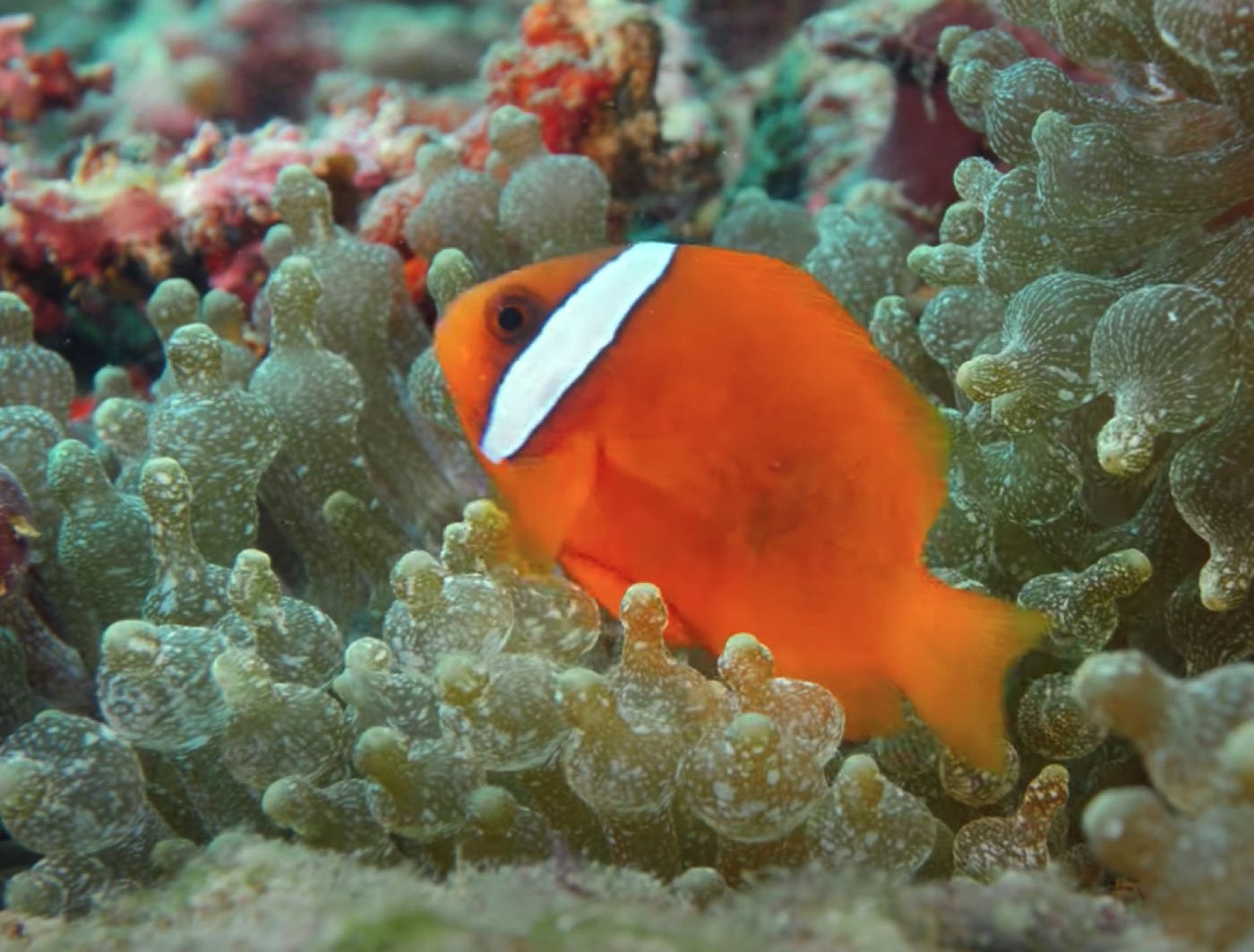
A clown
fish among the tentacles of a pacific anemone:
This
picture was taken with side lighting from a setting sun: the
shadows are dramatic:
Puffer
fish have amazing eyes!
I have
a soft spot for scooter blennys…
This
yellow headed sleeper goby dug a hole in the substrate as soon
as he arrived:
He
was soon, but briefly, joined by a watchman goby:
Copyright 2002 by JLB Enterprises, Inc; All Rights Reserved